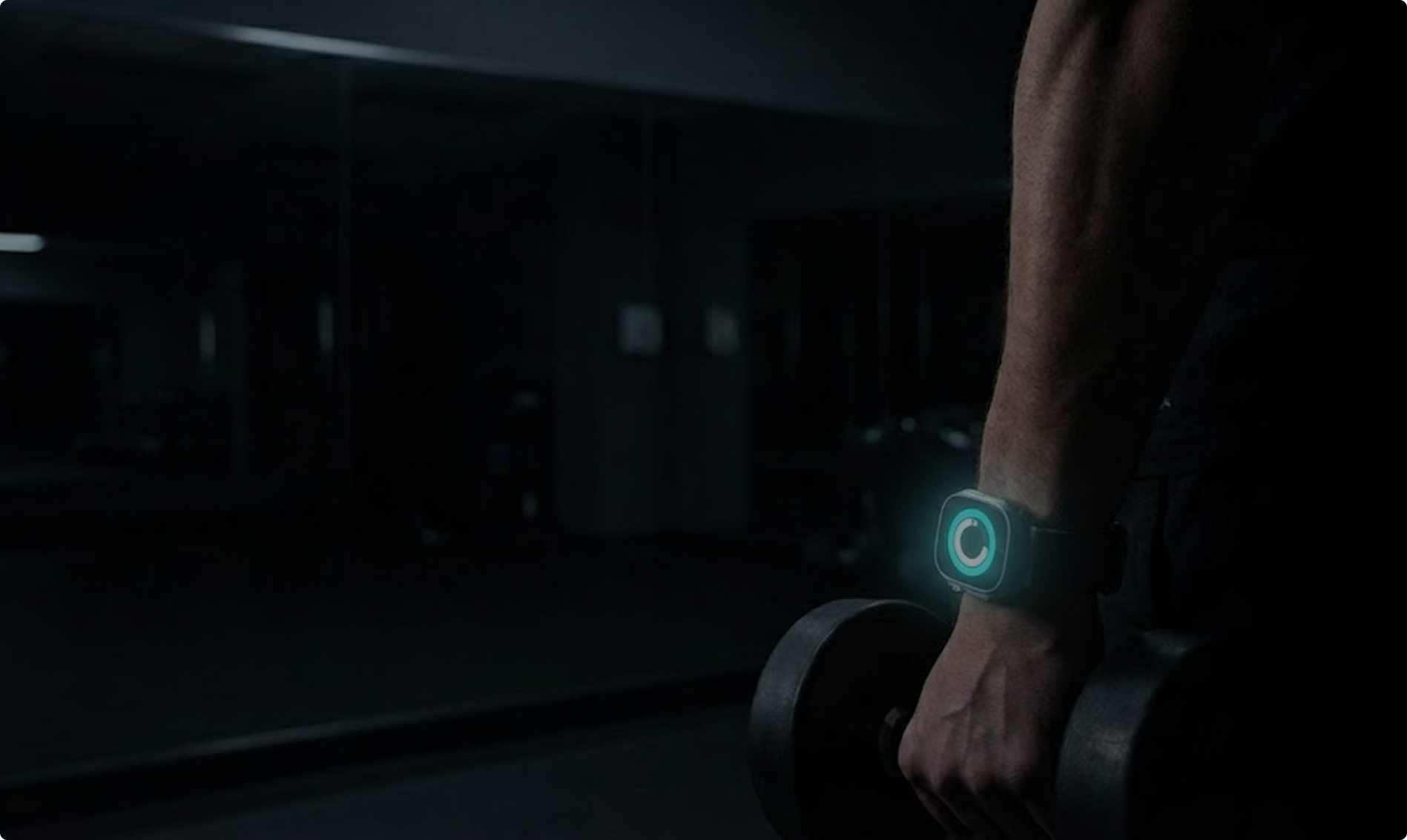
What if the smartest gym interface was almost invisible?
THE PROBLEM
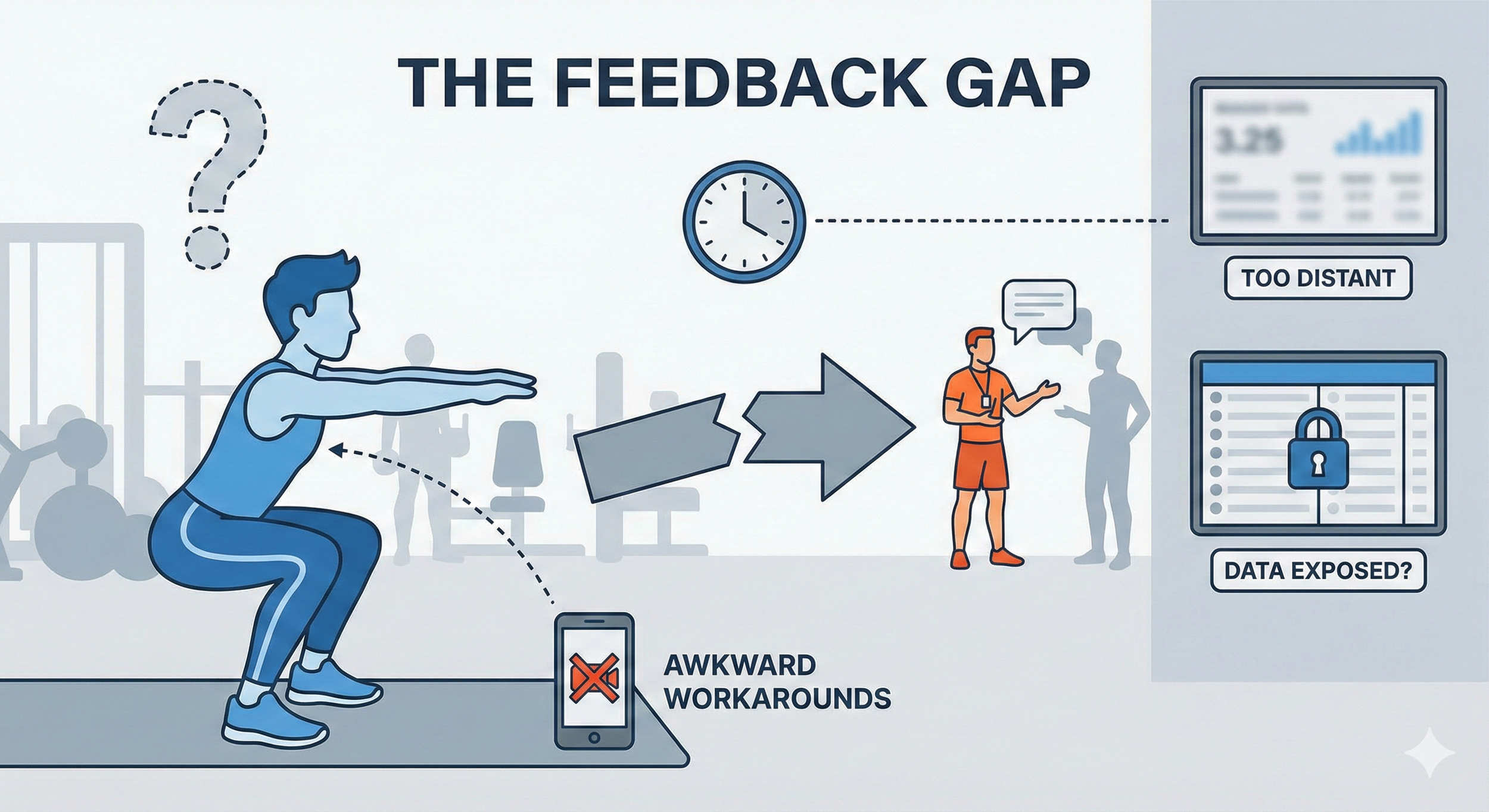
Feedback breaks at the moment it matters most
In gyms, feedback is either
• Out of reach (during a set),
• Too distant (wall-mounted screens), or
• Socially exposed (public displays).
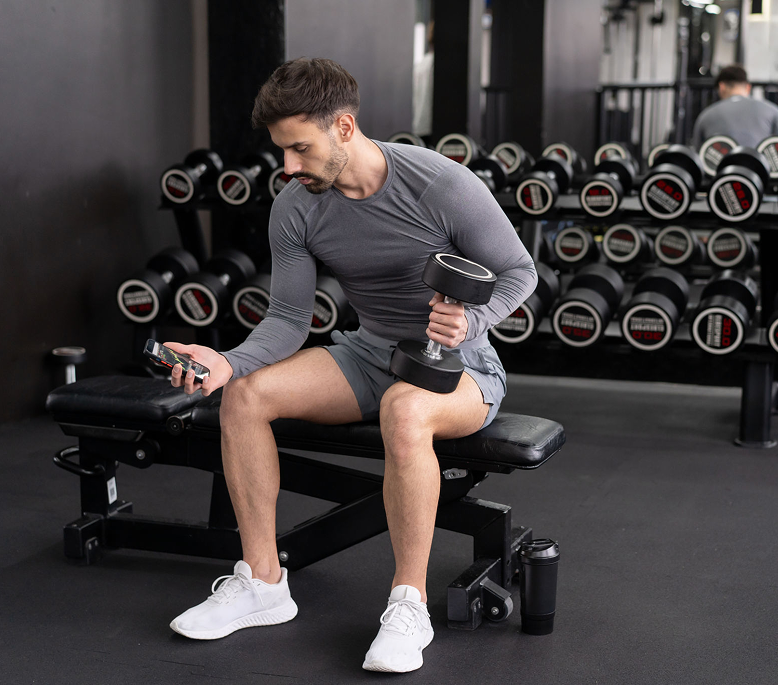
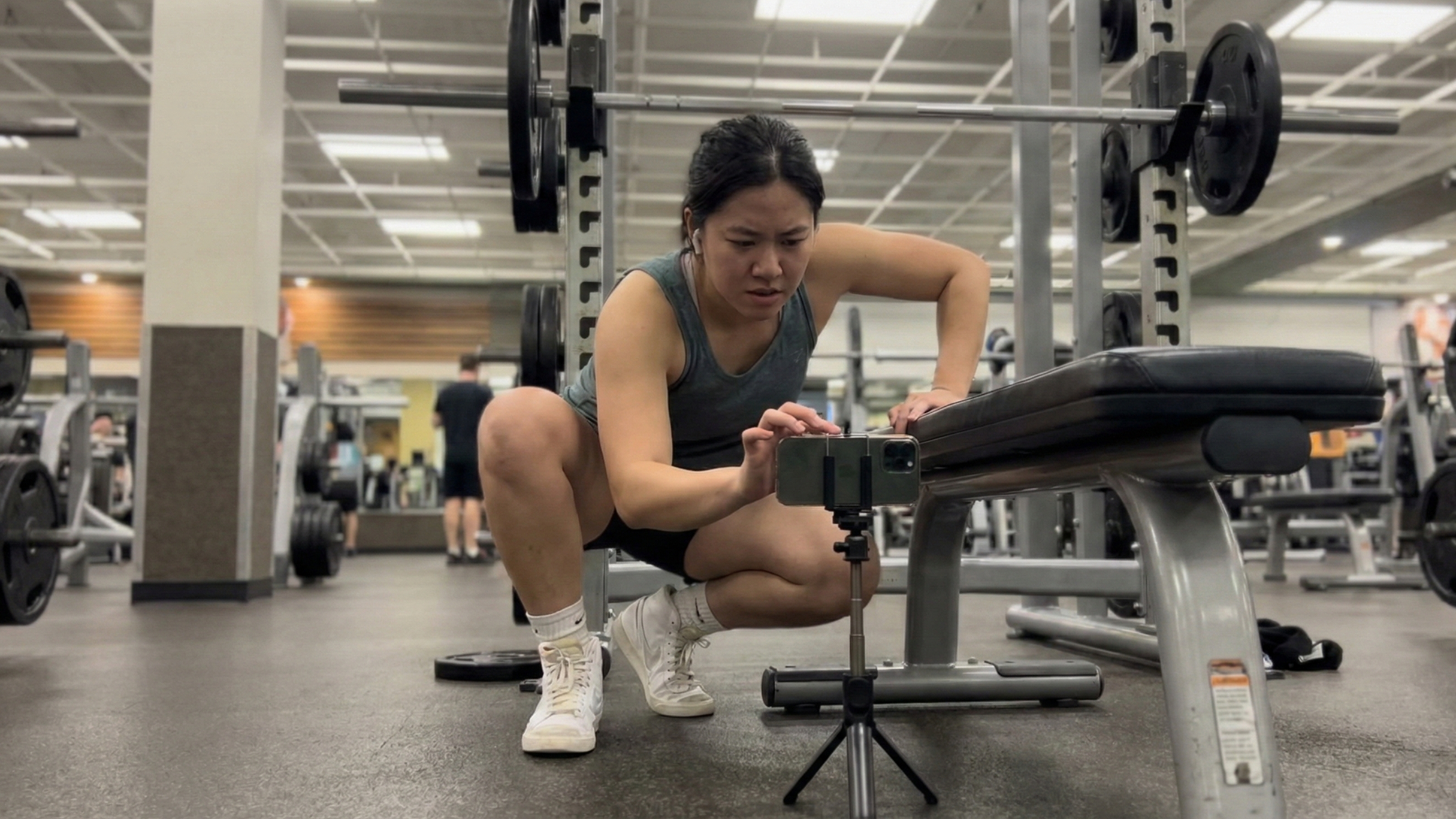
As a result, users rely on awkward workarounds— phones on benches, bottles, or tripods— just to understand how they’re moving.
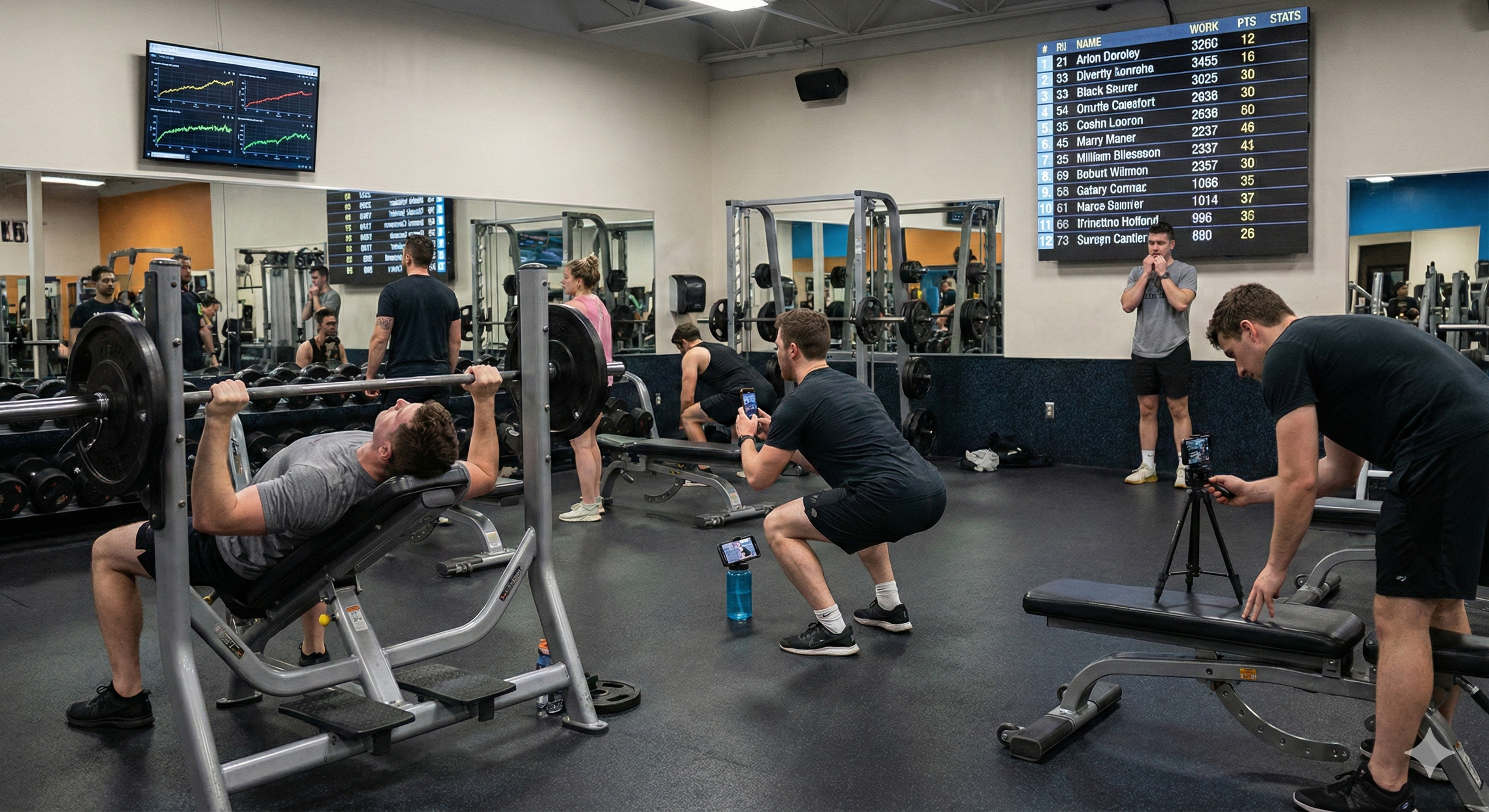
USER RESEARCH
Understanding the Real Training Context
Primary Stakeholder - Gym & Home Fitness Users
Train alone most of the time
Attention stays on form, not screens
Phones are used as workarounds, not ideal tools
Feedback is often delayed or missed
Personal Trainers
Instruction doesn’t persist beyond the session
Progress is hard to demonstrate or verify
Solo training lacks continuity
Gym Owners (as constrains)
Shared, public space
Limited tolerance for screen interaction
Personal data should not be exposed
Across roles, meaningful guidance consistently fails to appear during the moment of movement.
COMPETITOR ANALYSIS
How existing systems approach fitness feedback
Mobile Fitness Apps
Nike Training Club · Fitbod · Strong / Hevy
Pros: portable routines and tracking
Cons: visusal gap - users look down at a phone, away from their reflection
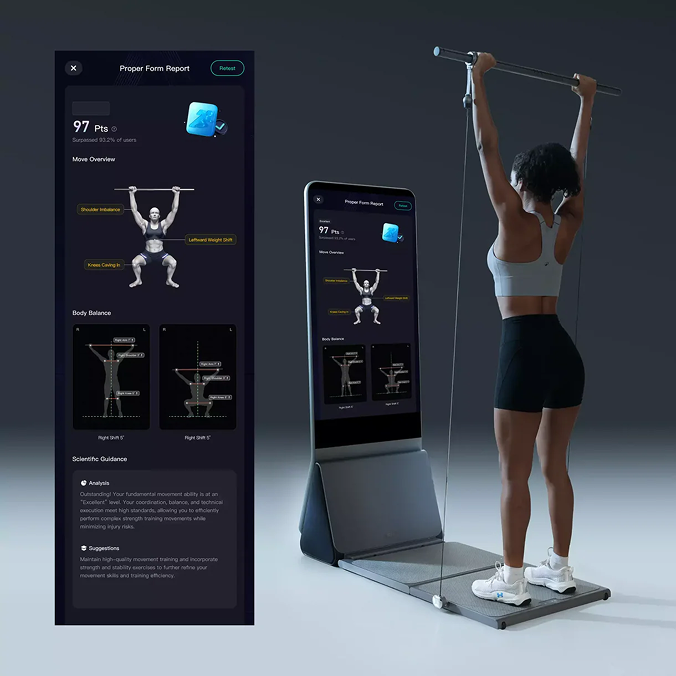
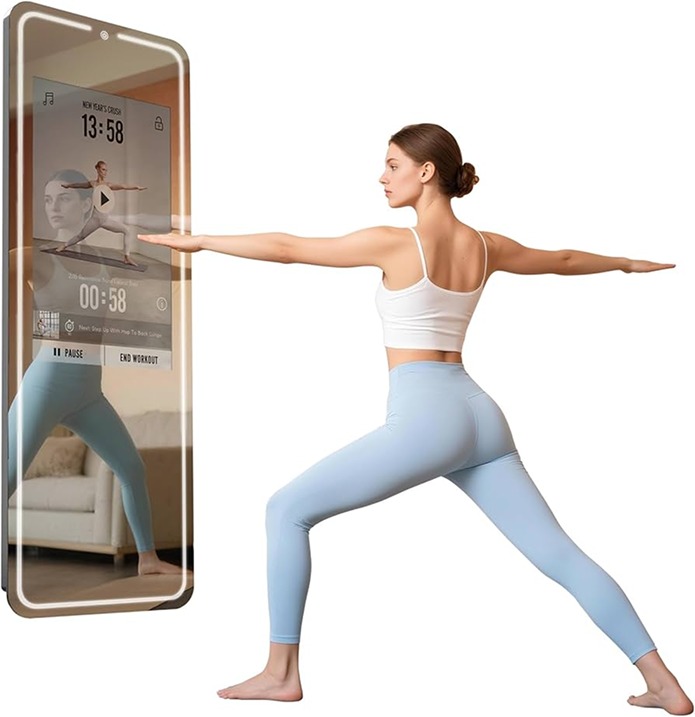
Screen-centric Strength Systems
Tonal · Tempo
Pros: Rich metrics and structured plans.
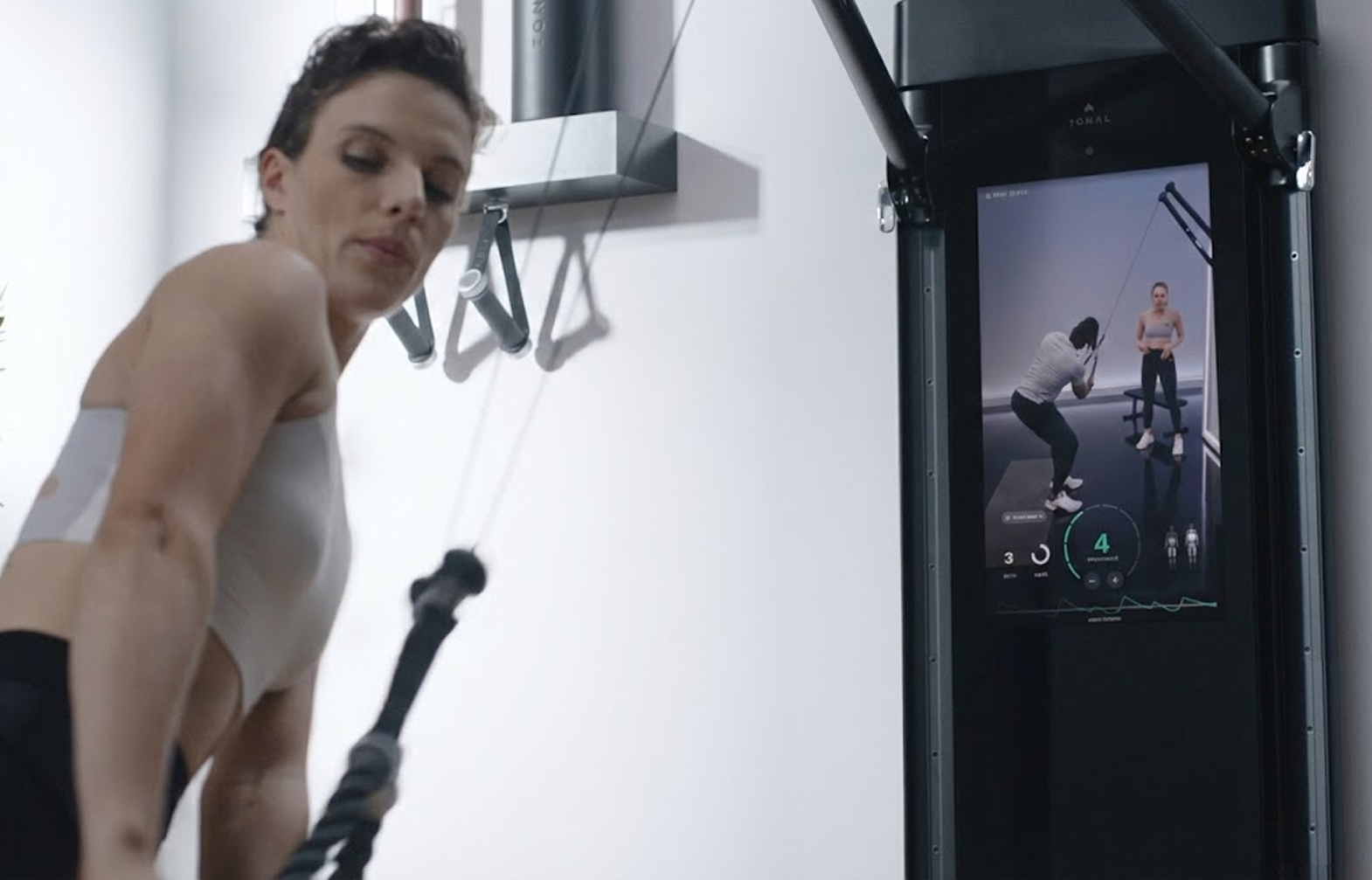
Cons: Screen occupies primary visual space
UI competes with body reflection
Instruction-first Fitness Systems
Apple Fitness+ · Peloton Classes · Lululemon Studio
Pros: Clear demos and pacing, low learning curve
Cons: Focuses on instructor, not the user
Limited awareness of user-specific alignment
Feedback remains generalized
Current solutions optimize for screens and content — not for bodies moving in shared space.
INSIGHT 01
The Modality Gap
Fitness feedback often arrives on the wrong device, at the wrong moment.
Users break physical flow to check phones mid-set.
Attention shifts away from the body to a small screen.
Feedback exists — but not when the body can act on it.
Current systems prioritize information access, not embodied awareness.
INSIGHT 02
Spatial Interference
When feedback occupies the same visual space as the body, self-correction breaks.
Screen-centric systems compete with the user’s reflection.
Instruction overlays dominate where body awareness should be.
The mirror becomes an obstacle instead of a reference.
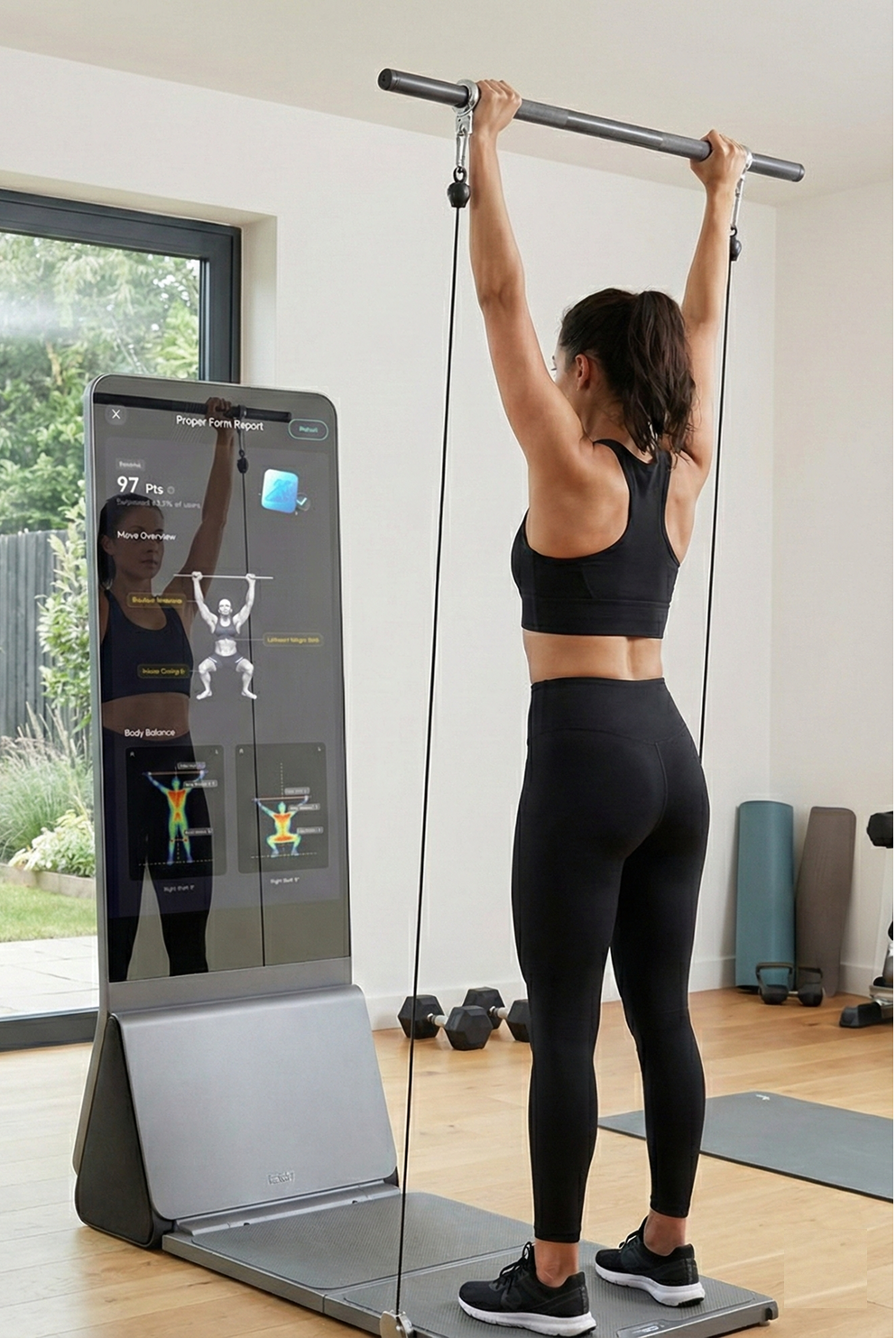
More UI does not mean better guidance.
INSIGHT 03
Delayed & Generalized Feedback
Most systems explain what happened — not how to fix it next time.
Feedback is delivered after the set, not during the mistake.
Corrections are generic, not body-specific.
Users struggle to translate insight into action.
Learning requires timing, not just information.
How might we support real-time training without turning the mirror into a giant iPad?
DESIGN STRATEGY
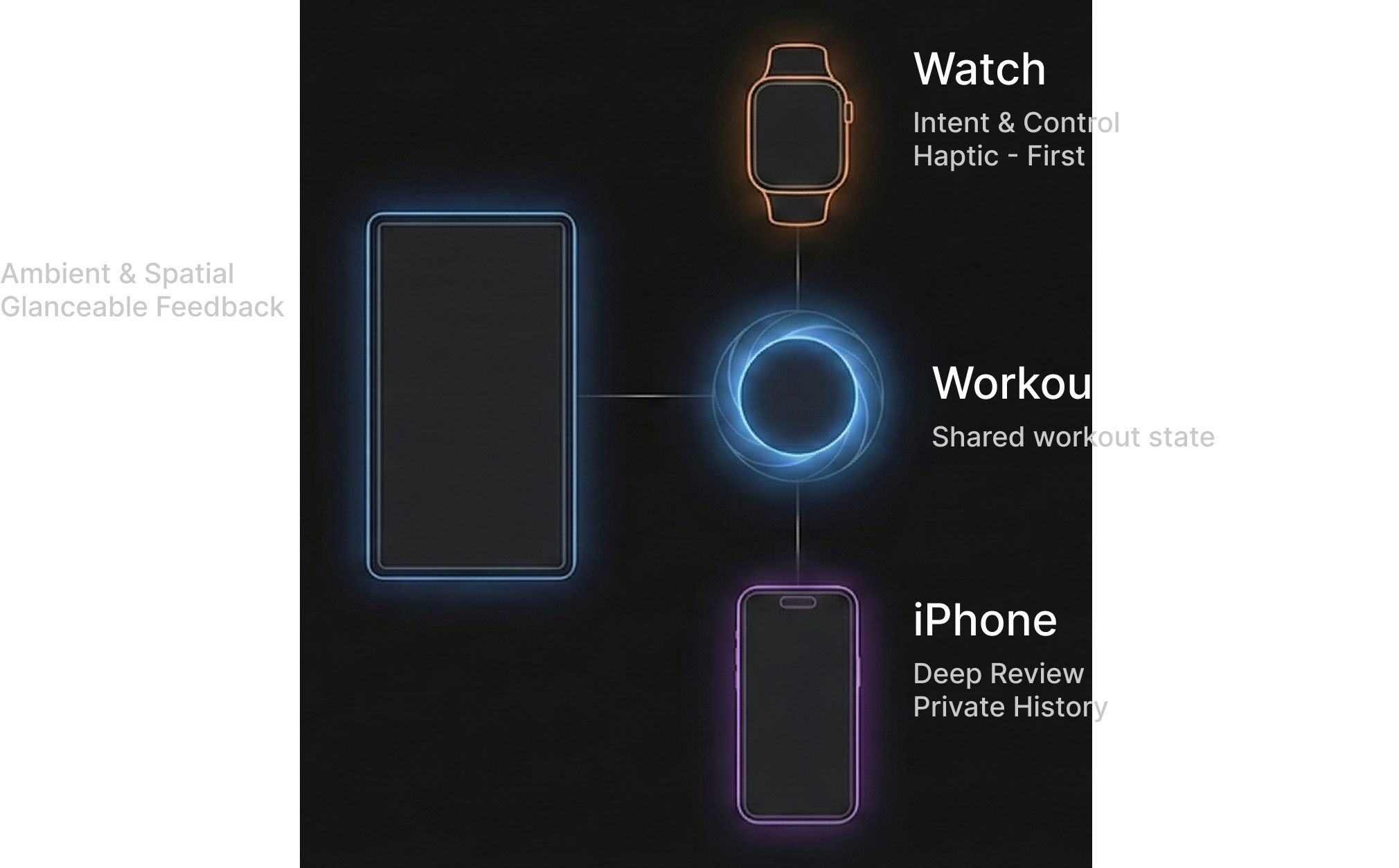
Distributed Ecosystem
One workout session. Distributed across devices.
This strategy emerged through iteration, not assumption.
DESIGN SOLUTION 01
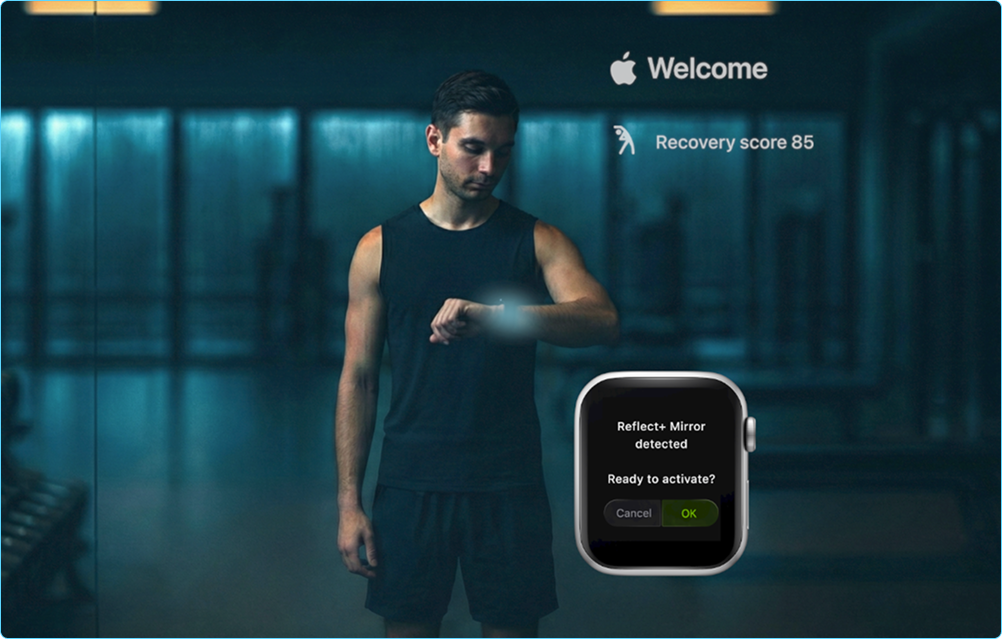
A hands-free way to start a workout
Starting a workout without touching a shared screen
Detect
Confirm
Train
DESIGN SOLUTION 02
Ambient Tracking on Mirror
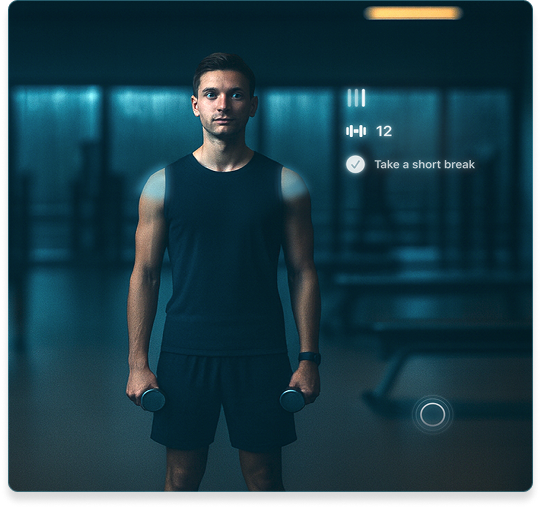
A mirror is not a screen. It should be a reflection surface.
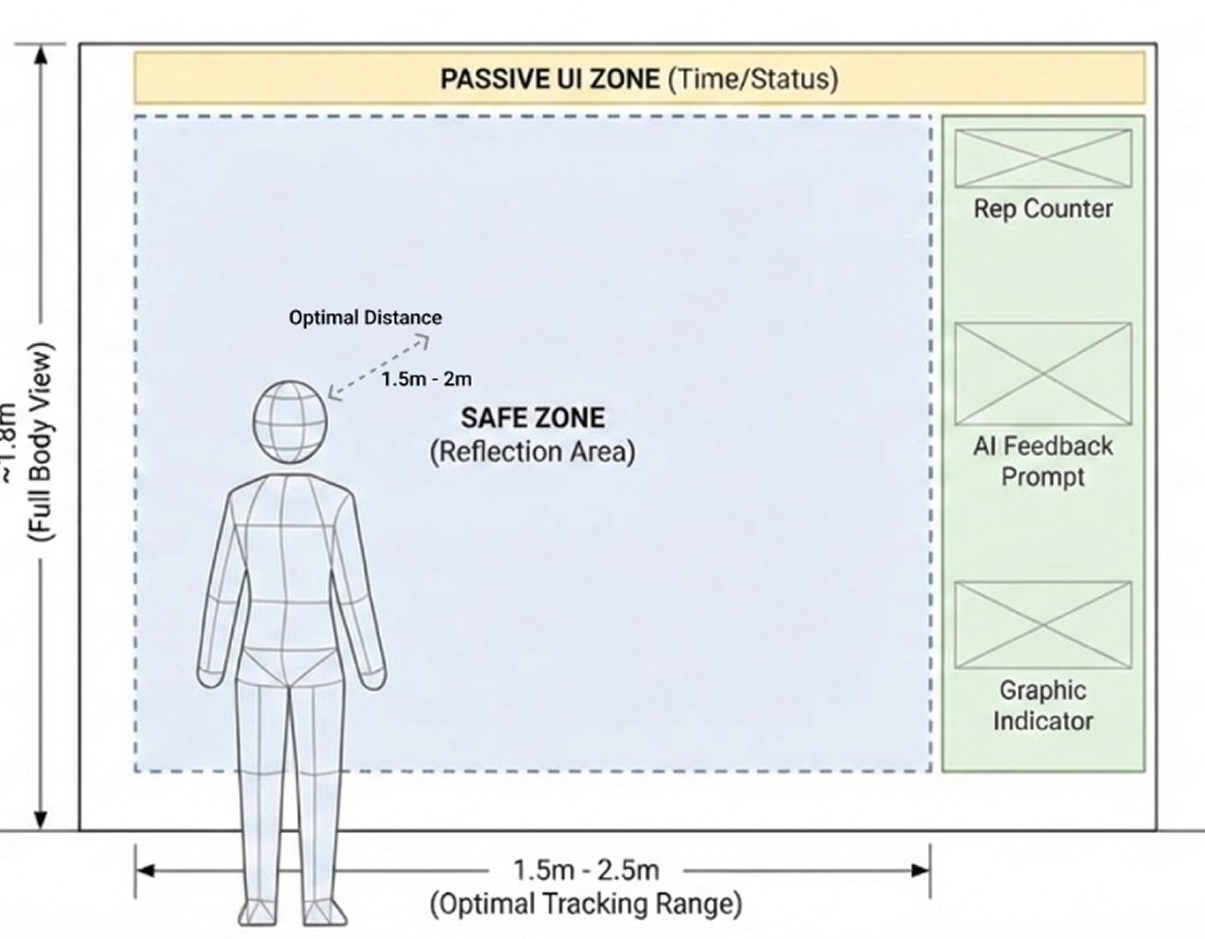
Principle 01 — Reflection First
Keep the center clear for body awareness.
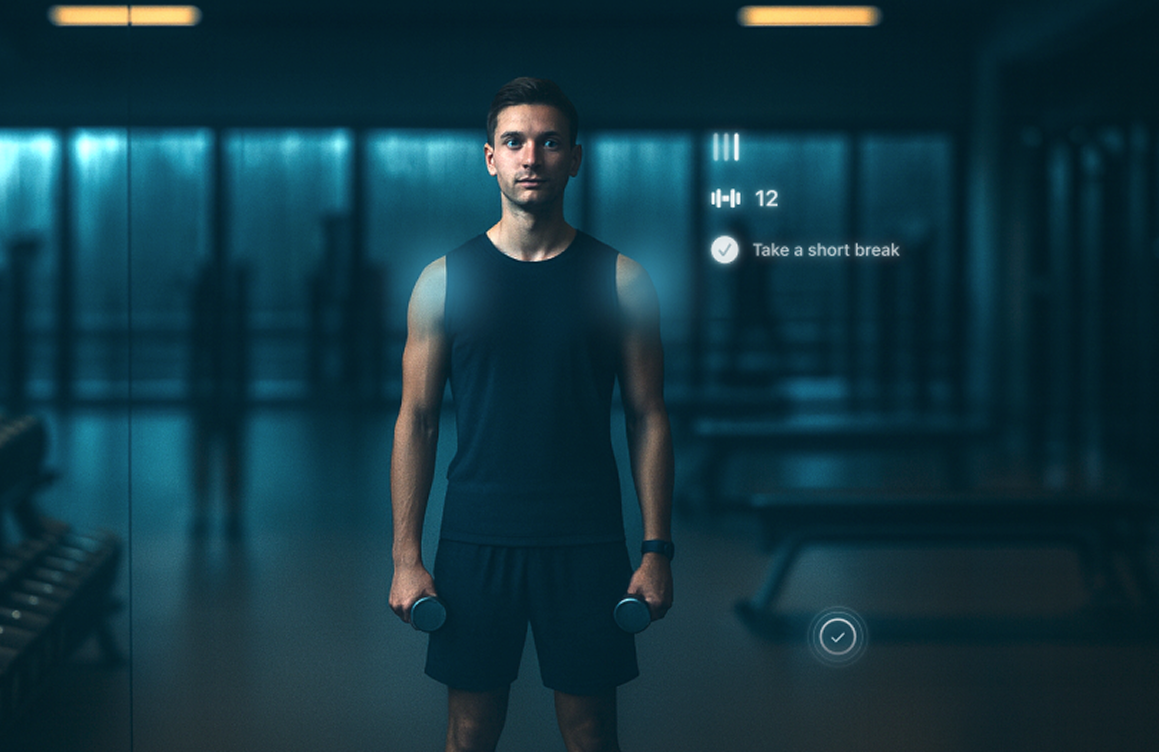
Principle 02 — Edge UI
Metrics live on the perimeter, readable at a glance.
Principle 03 — Escalate on demand
Only errors/critical cues temporarily enter the center.
DESIGN SOLUTION 03
Contextual Correction & Review
Correct in the moment. Understand after the set.
Error detected
During the set (Mirror)
Shows where the problem is
Gives one actionable cue
Disappears once corrected
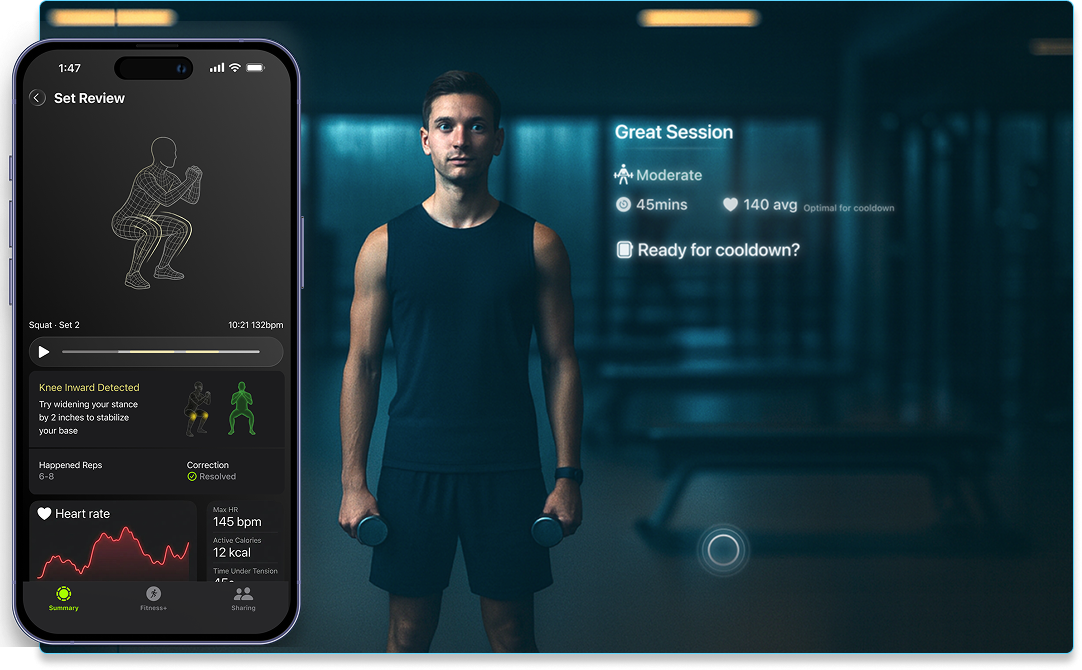
Set review on iPhone
After the set (iPhone)
Cue applied · Form corrected
Replay the moment
Explain what happened
Show progress across sets
USER FLOW
A Distributed Workout Session
One session, coordinated across Watch, Mirror, and iPhone.
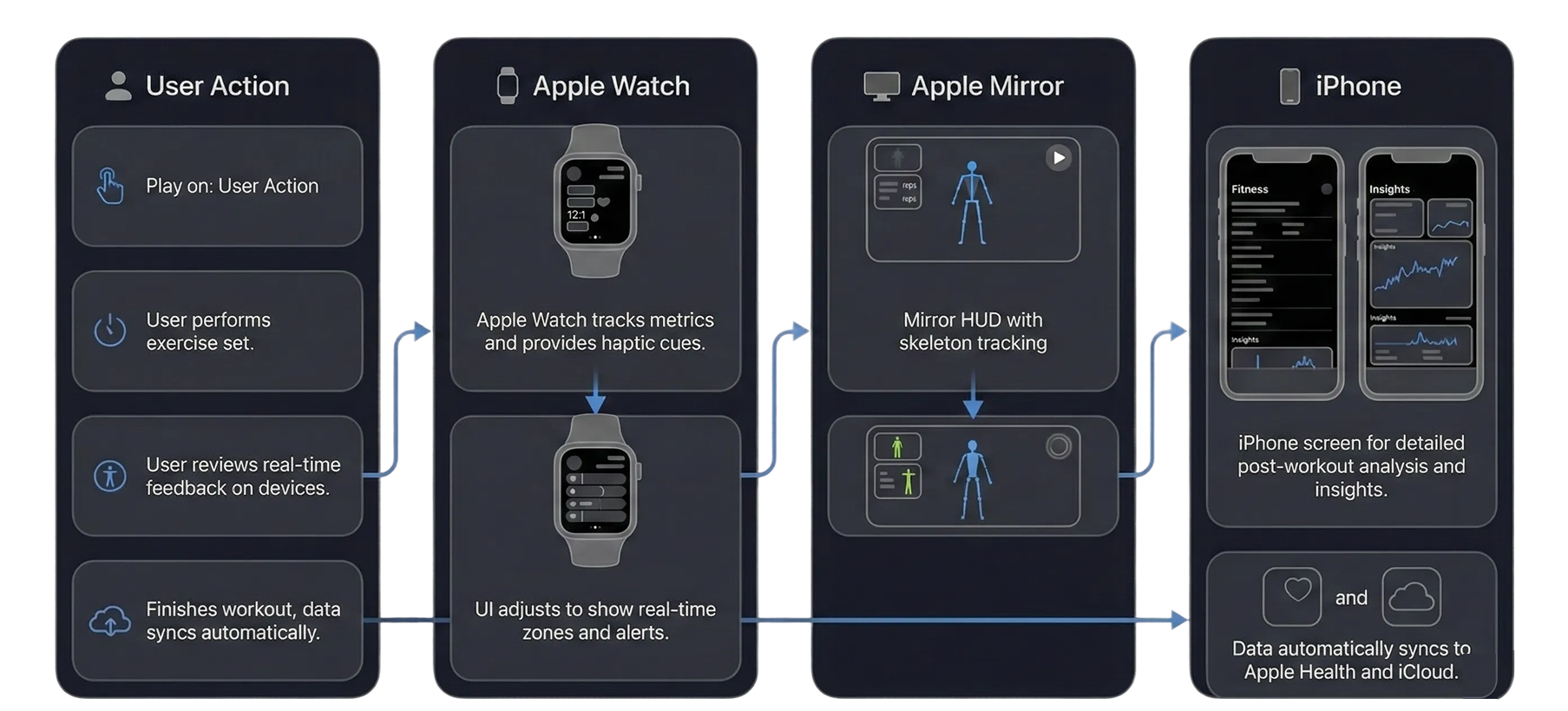
STORYBOARD
How the System Feels in Use
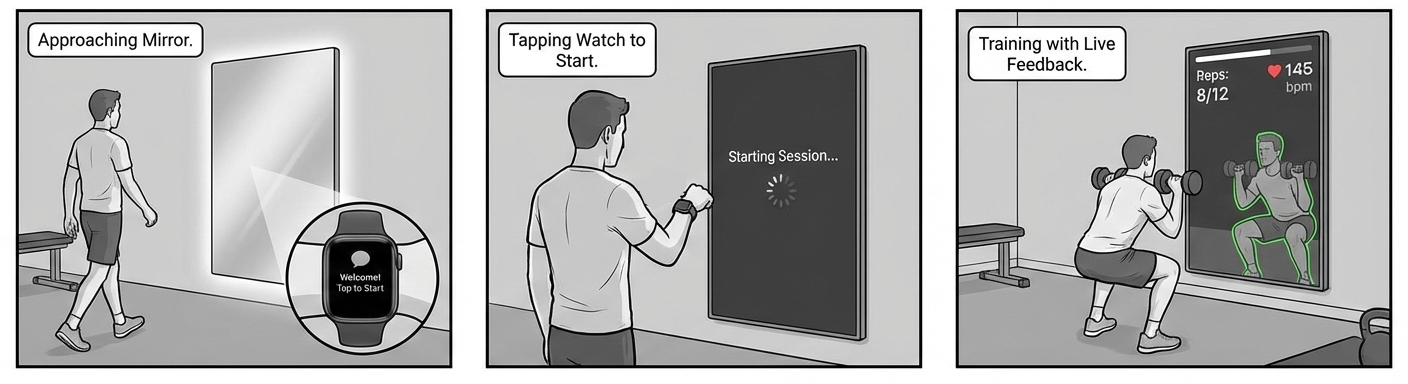

With the flow defined, I focused on the details that made this system usable in real gym environments.
DESIGN DETAIL
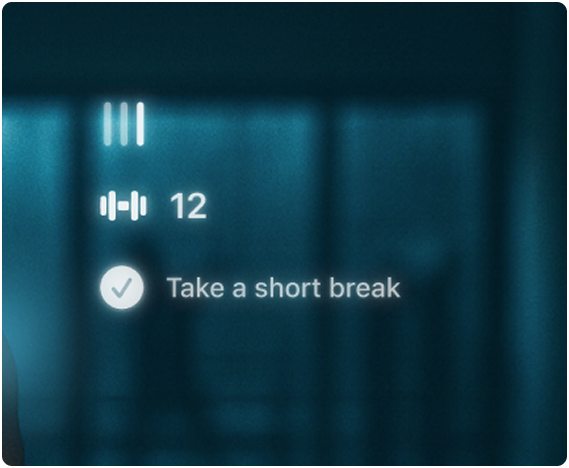
Visual Iteration: From Screen to Atmosphere
From visual spectacle to invisible intelligence

Refinement: Simplifying visual weight
Baseline: Traditional dashboard logic
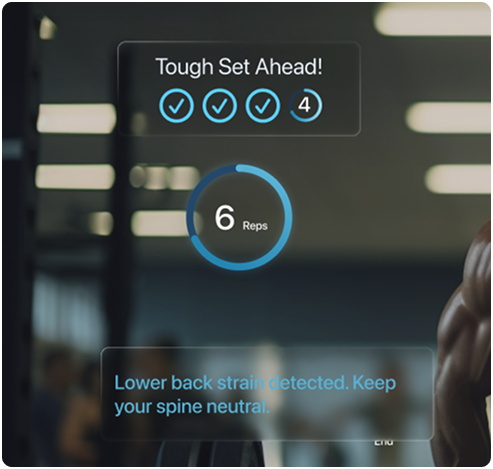
Atmosphere: Ambient integration.
DESIGN DETAIL
Device Responsibility Evolution: From Single Screen to Distributed Control
Two key decisions: Control moved to Watch. Review moved to iPhone.
Before: Mirror as primary control surface
(After) Decision A: Control moved to Watch Reachable · Eyes-up · Non-blocking
(After) Decision B: Review moved to iPhone Clarity · Replay · Private
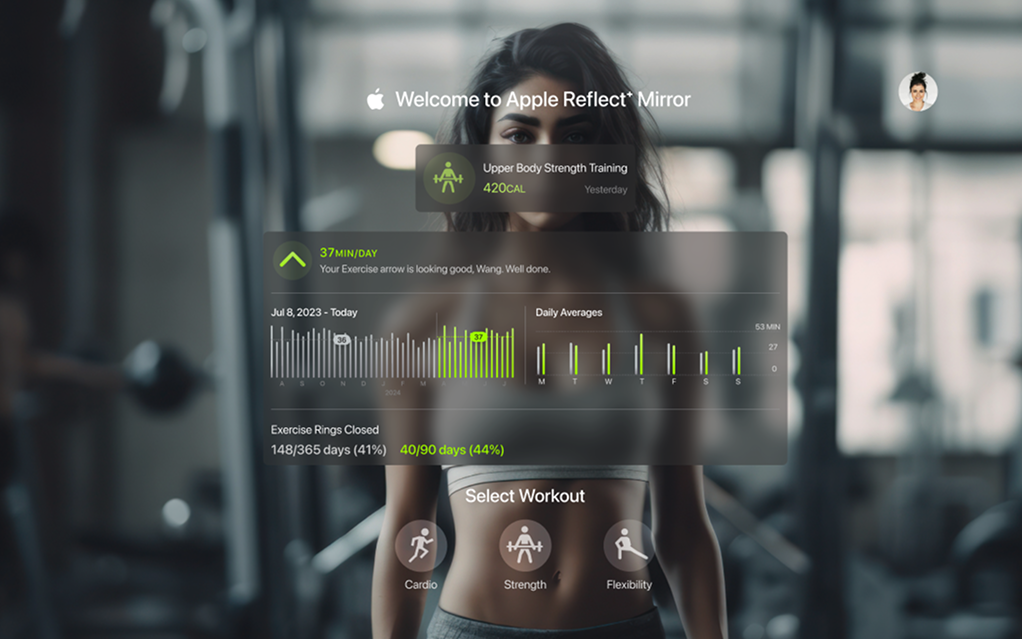
Before: Mirror used for both guidance and review
Control must not interrupt movement.
Review requires privacy and attention.
DESIGN DETAIL
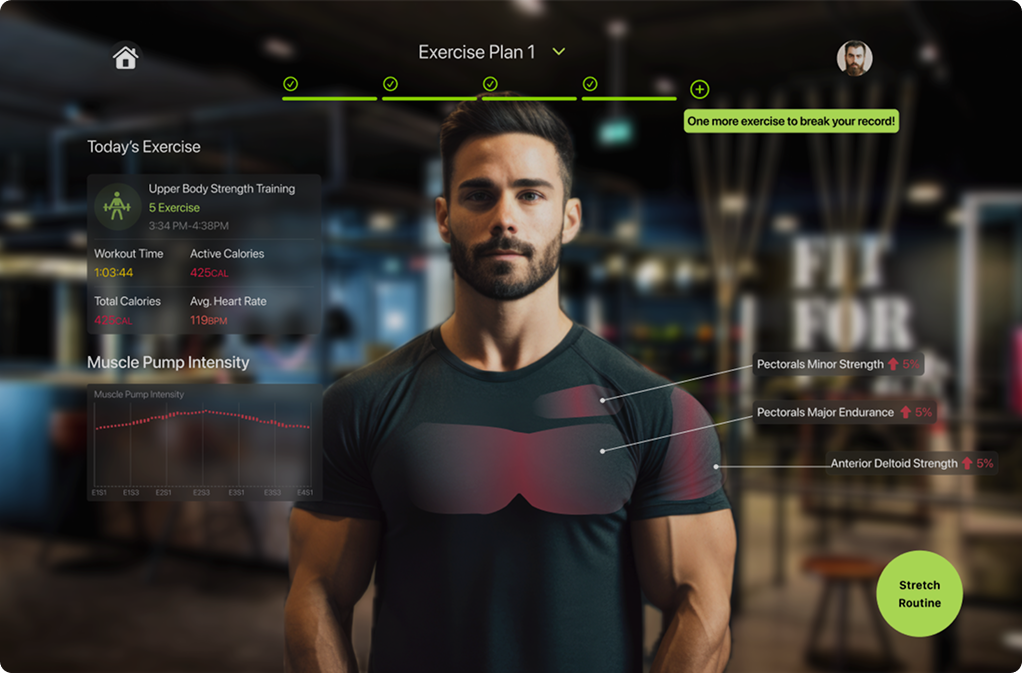
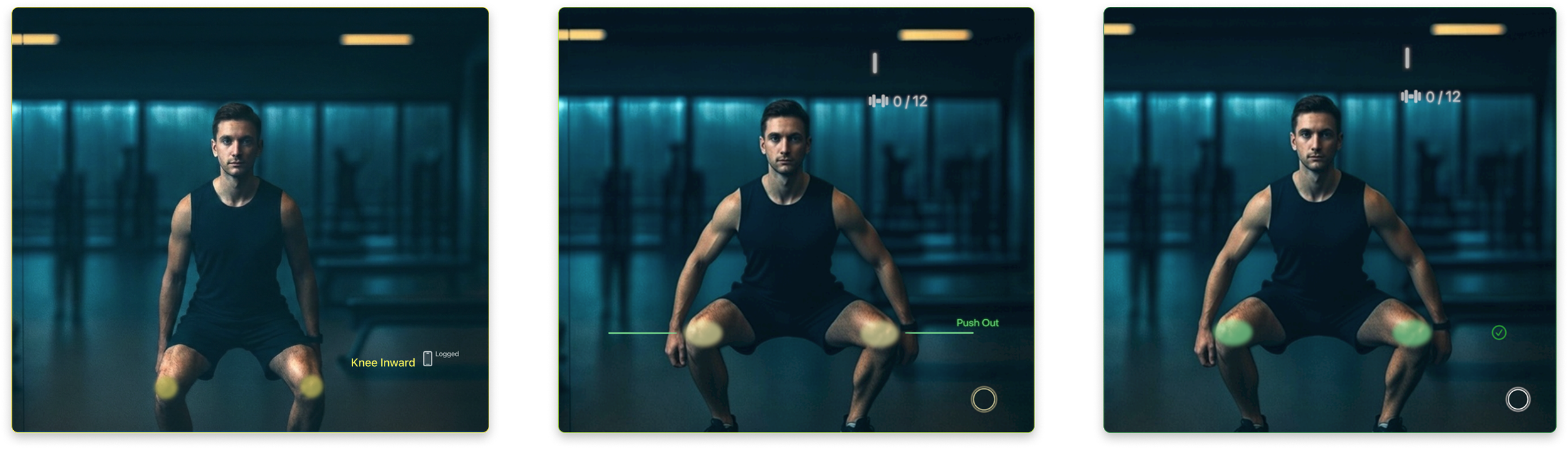
In-Motion Feedback Behavior
Feedback exists only during the moment of correction.
Feedback is localized to the affected joint or muscle — never global.
Visual cues lead. Language is optional.
Once corrected, feedback fades out — attention returns to movement.
More Design Screens
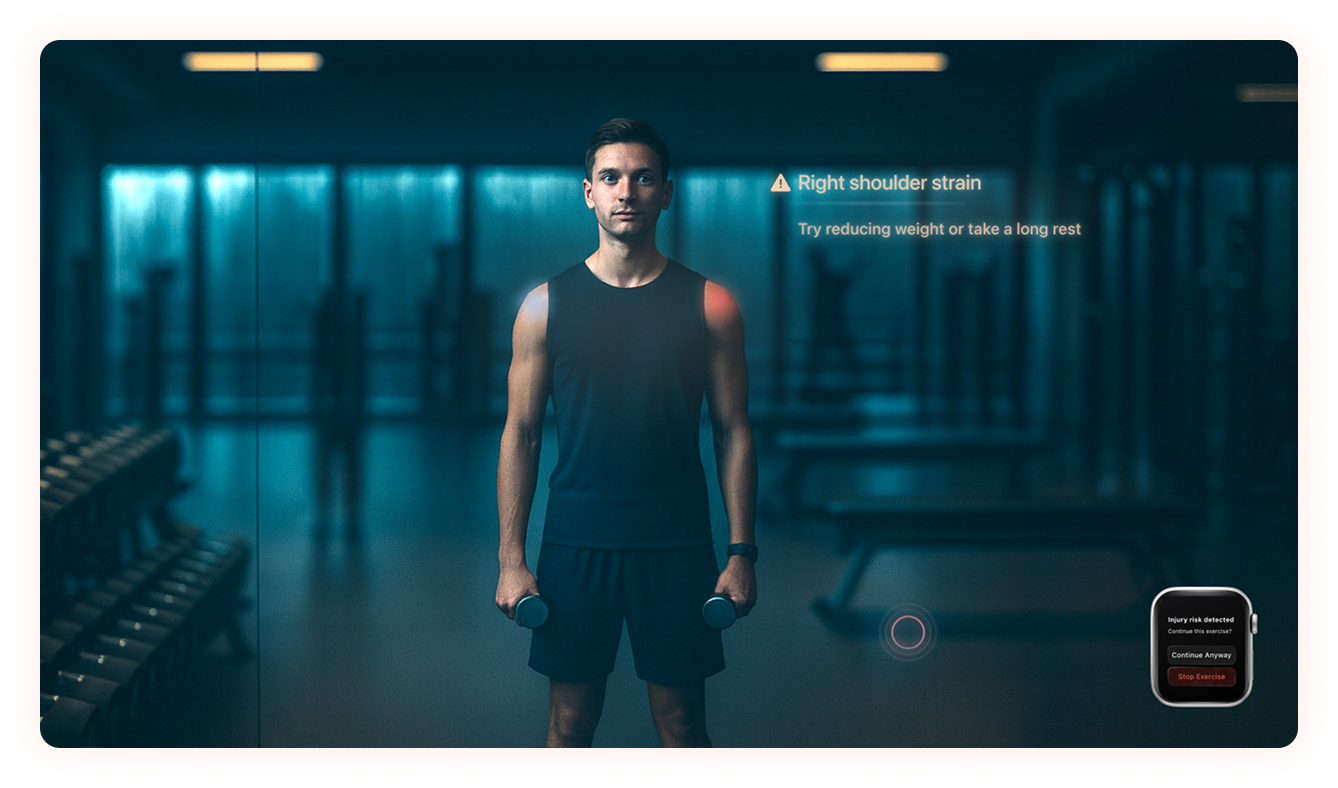
Safety Intervention — Localized bio-feedback for immediate correction
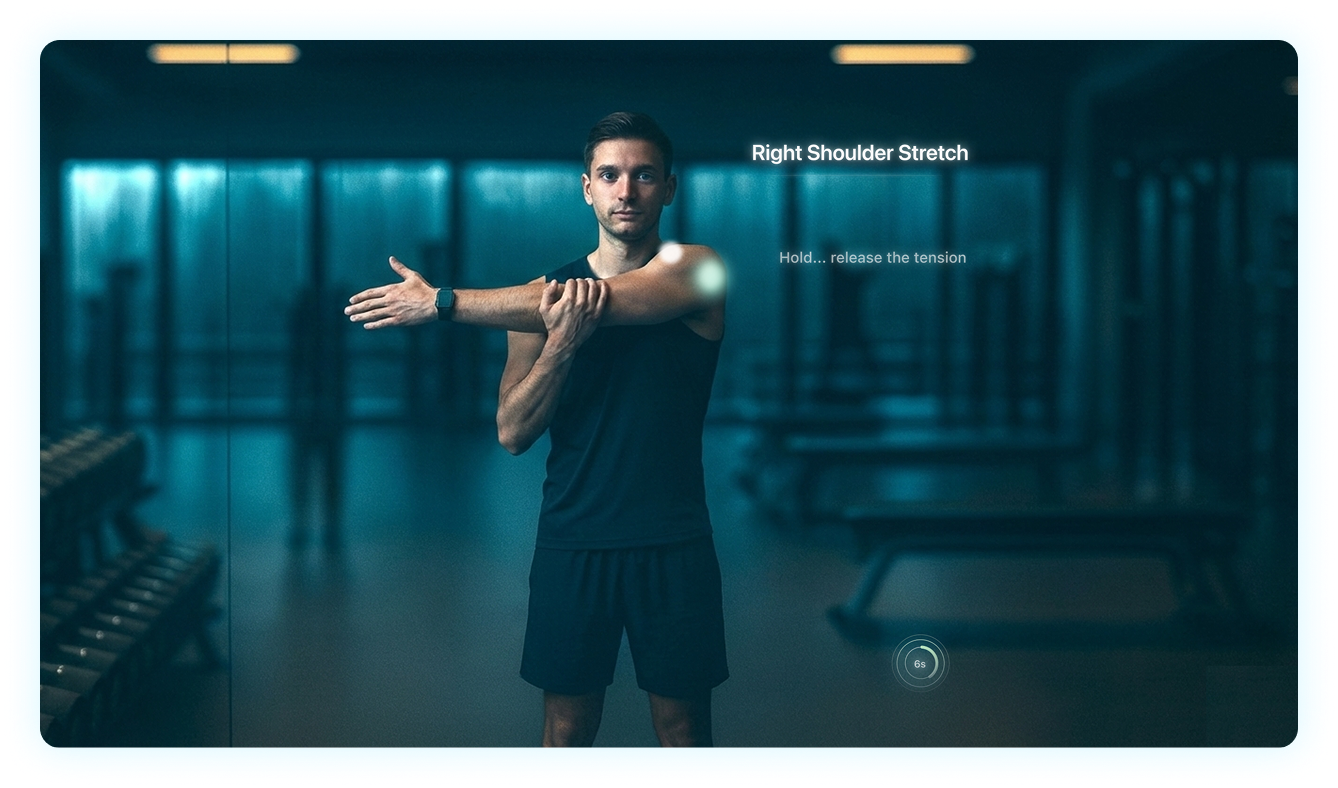
Adaptive Recovery — Ambient guidance for post-workout mobility.
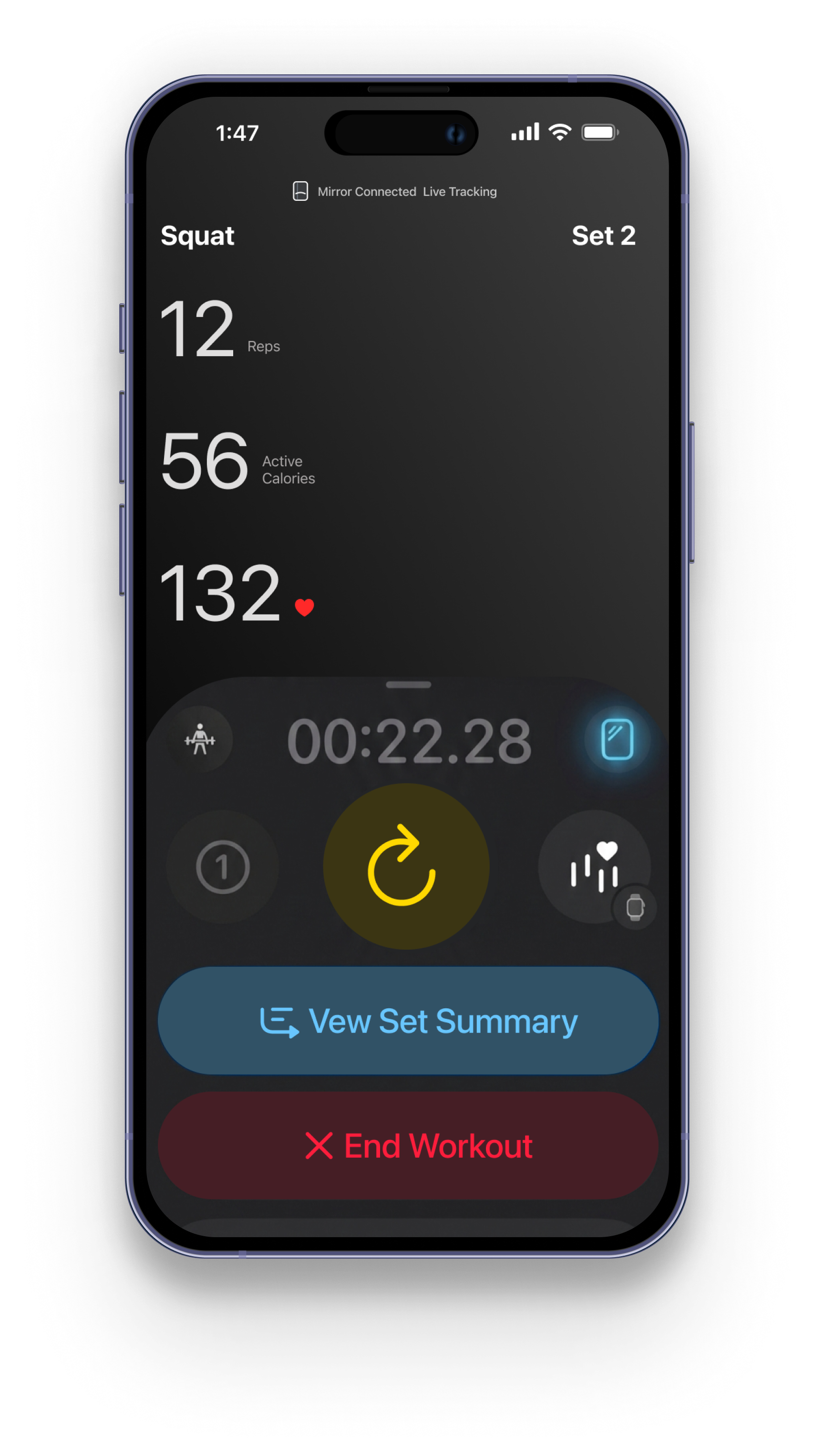
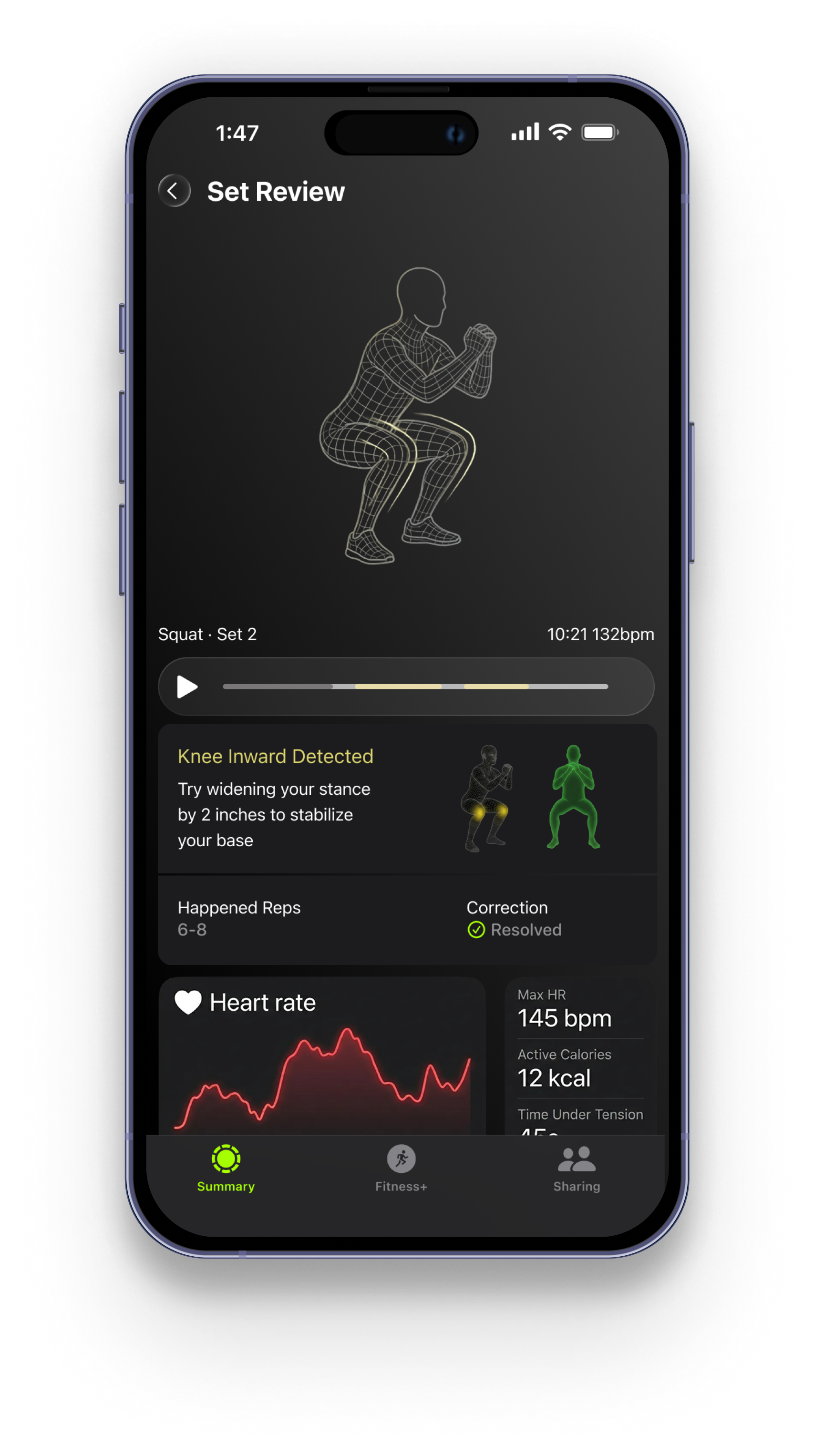
Tracking & Set Summary — Visualized data with seamless device handoff
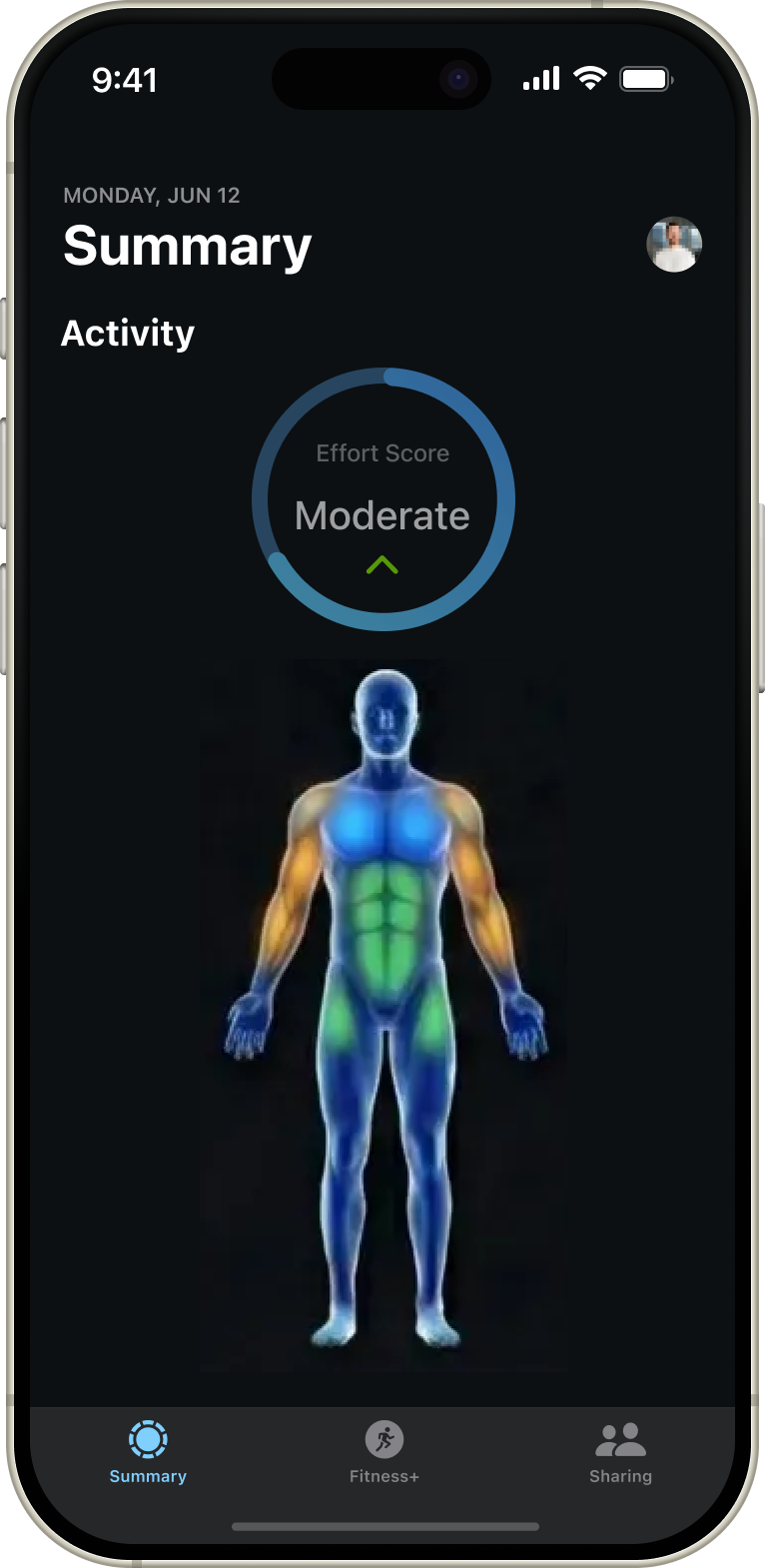
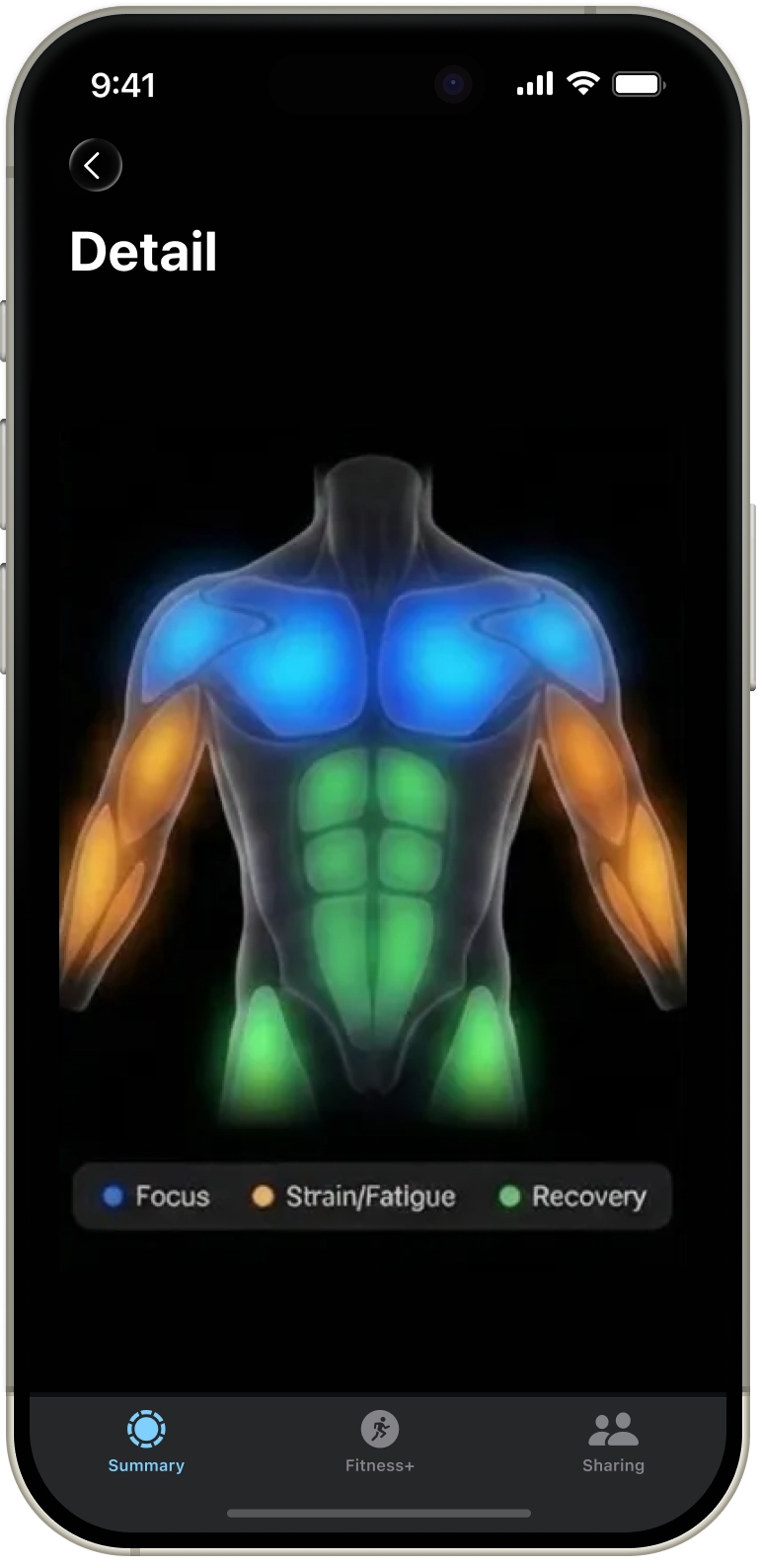
Workout Insight — Deep-dive fatigue analysis with personalized muscle mapping.
VISUAL SYSTEM SPEC
Human Interface Guidelines / Mirror OS
COLOR TOKENS
Legibility Logic
High-contrast tokens optimized for mirror reflection and gym lighting conditions.

Outer Glow for Ambient Contrast

Motion Physics Graph: Organic Inertia vs. Linear Mechanical
Outer Glow for Ambient Contrast
Linear (Grey): Uniform velocity that feels robotic and predictable.
Ease-Out (Blue): Mimics organic inertia by concentrating 60% of the movement in the first 200ms, creating a responsive yet smooth transition.
Unified Design System: From Atoms to Ecosystem
Mirror Ring States (The Core Atom)

Idle/Sensing
Success (Double Tap)

Tracking
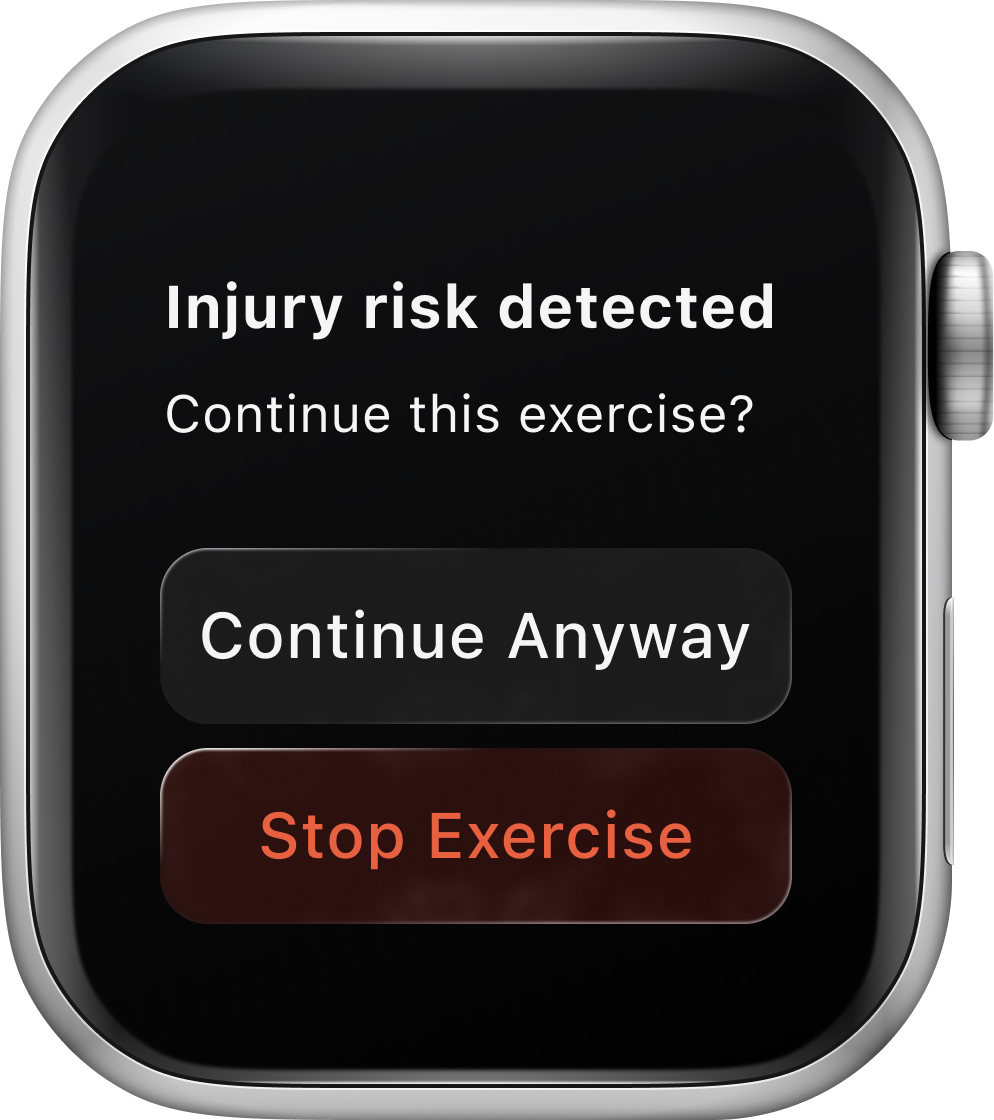
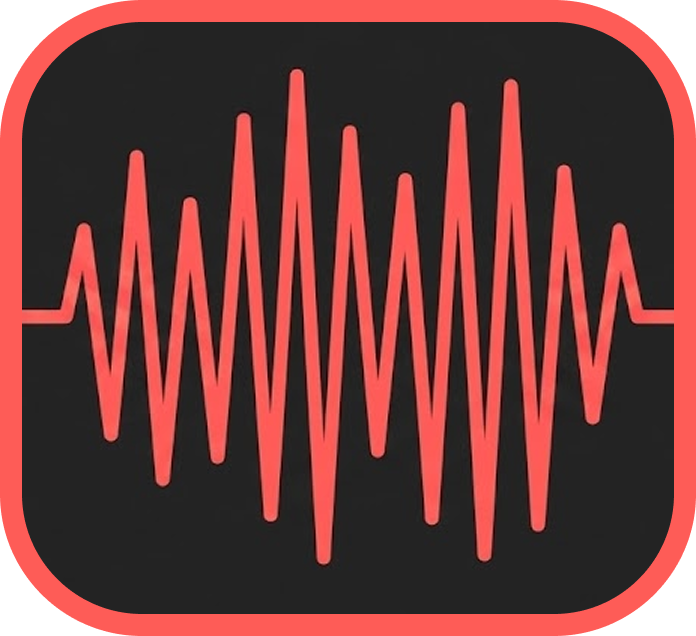
Apple Watch & Haptic Feedback (Multi-modal)
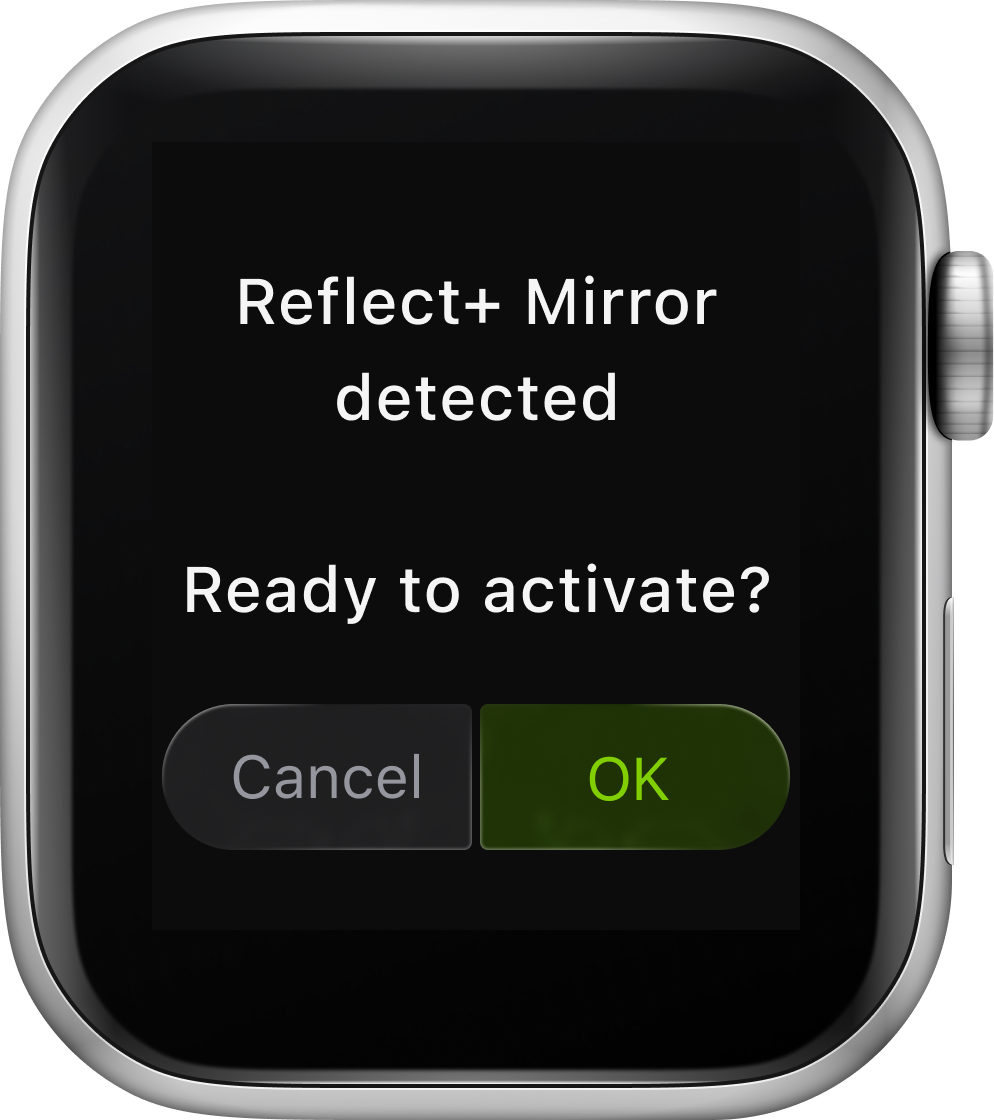
Confirms device sync with a crisp tap
Triggers immediately during active sets upon form deviation
Success/Completion
Muscle highlight
Prominent (Intense Pulse)
Compensation
Alert / Risk
Streching/Unwind
Long Pulse (Rhythmic)
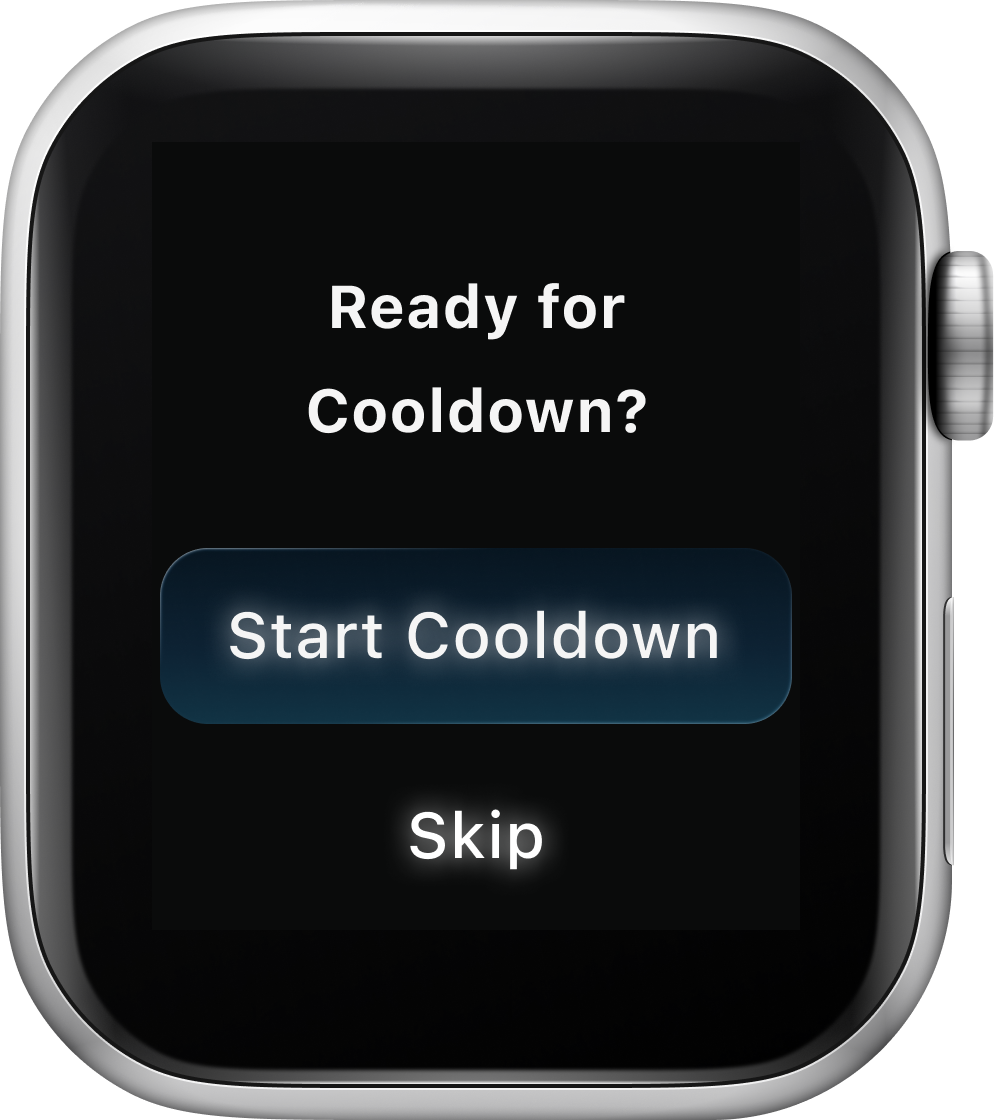

Syncs slow pulses with breathing cues.
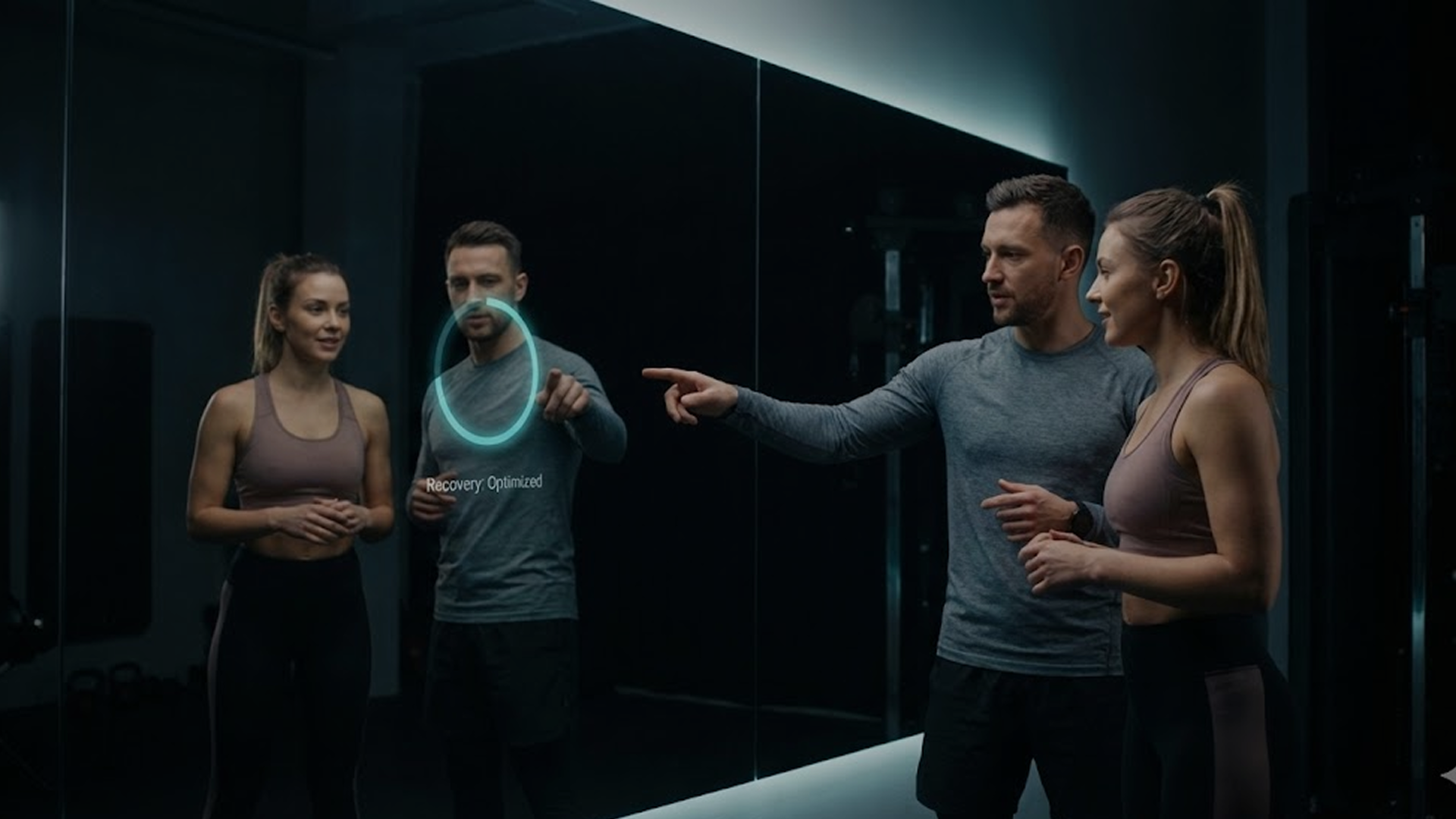
Beyond the Screen: Business Value
Enhancing trainers, not replacing them
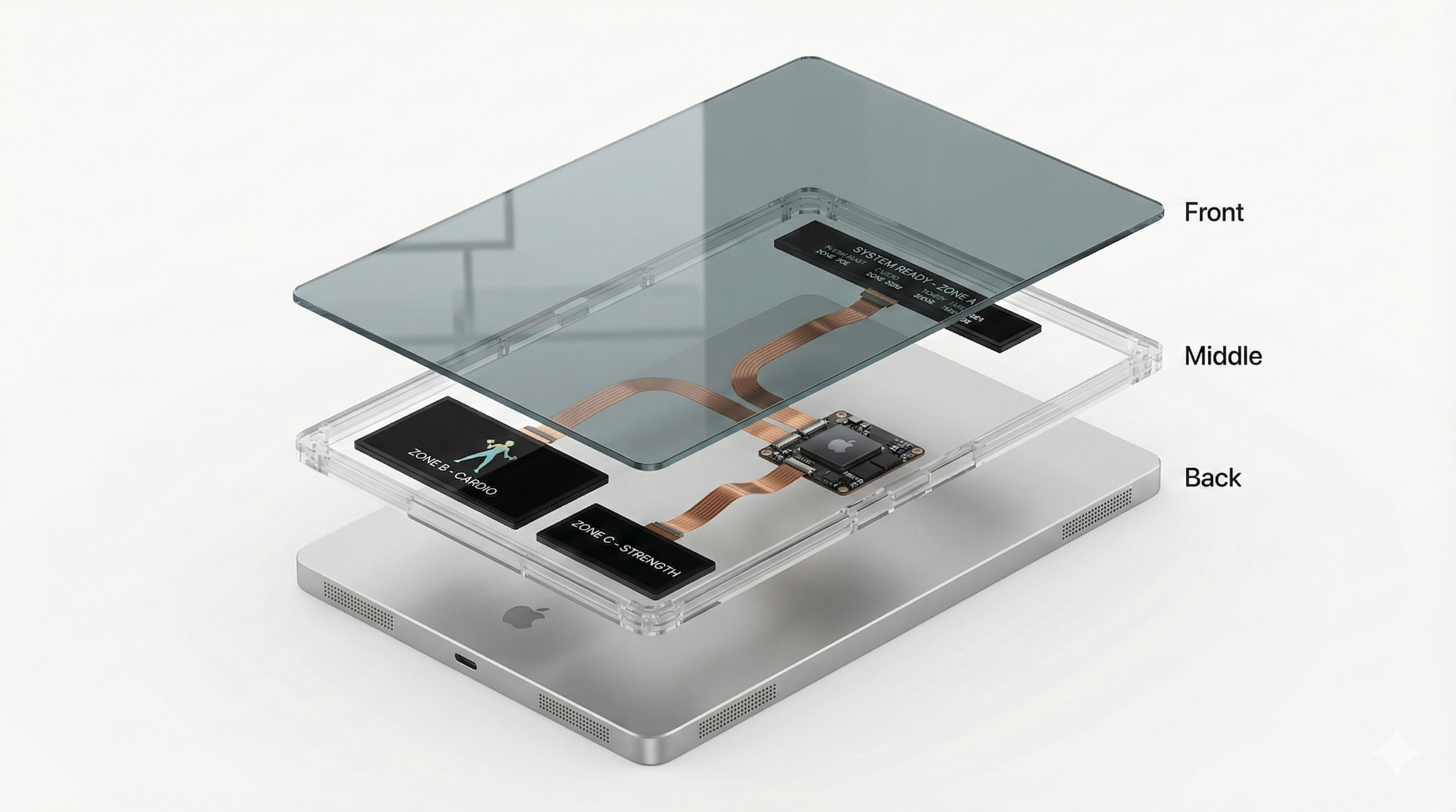
Zone-based Display Modules
Engineered for longevity. Reduces manufacturing complexity and eliminates fragile touch-layers for zero-downtime commercial use.